


Your music video edited, on the beat and in minutes
Upload every take of the shoot and the song. Motion Studio finds where each take falls in the song, who is singing, what is sharp and what moves, and builds the edit — automatically for artists, with full control for editors.
110 credits per music video, once, when you analyse the footage for the first time, plus the analysis and the export. Details in pricing.
The editor
- FootageHundreds of takes, phone or camera, several GB each
- Edit stylesMusical · narrative · balanced · cinematic
- Formats16:9 · 9:16 · 4:5 · 1:1 · 2.39:1
- Export720p · 1080p · 4K
- For editorsProject for DaVinci Resolve, Premiere, Final Cut
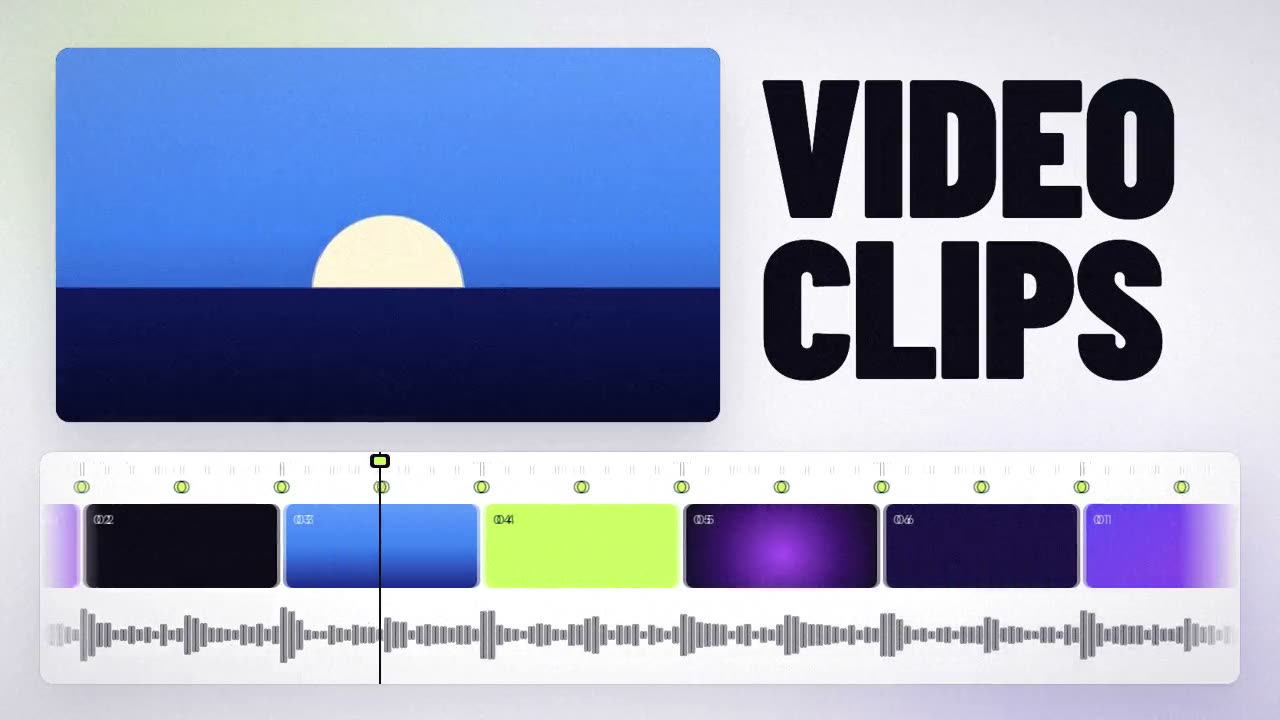
From a folder of takes to a finished video
Upload the shoot and the song
Drop the whole folder. Phones and cameras, any order, any number of takes.
Motion Studio watches every take
It places each take in the song, detects who is singing, the sharpness and the movement, and sorts the material.
Choose the edit
Musical cuts on the beat; narrative puts the story first; balanced mixes both; cinematic lets shots breathe, with slow motion and dissolves. Change it as many times as you want: edit versions are free.
Shot on a phone or shot with a crew
Automatic (phone)
Motion Studio picks the takes, edits the video and gives the image a strong boost. You review and export.
Professional
More control over the edit and the image, and a project for DaVinci Resolve, Premiere or Final Cut with the edit in place, takes sorted into folders and the color applied.
What it costs
- 110 credits per music video, only once, when you analyse the footage for the first time. Creating the project is free.
- Analysis: 1 credit per 3 minutes of footage, plus 1 per 10 GB uploaded.
- Export: 2 credits per minute of video (4K: 4). If something fails, you’re not charged.
Example from the app: a 4-minute music video with 40 minutes of footage (about 60 GB) costs 20 credits of analysis, plus the 110 of the music video, plus 8 credits to export it in 1080p. See pricing.
After the video: the clips
A music video gets watched once on YouTube and dozens of times in vertical pieces. When it’s done, TONTRIA Clips cuts it into Shorts, Reels and TikToks with karaoke captions, and makes the lyric video from a song link.
Questions
Can AI edit a music video from my footage?
Yes. Motion Studio analyses every take against the song and builds the edit on the beat. You choose the style and can change it as many times as you want. To plan the release around the video, see the release planning checklist.
Does it work with footage shot on a phone?
Yes. The automatic mode is made for that: it picks the takes and boosts the image.
Can I keep editing in DaVinci Resolve, Premiere or Final Cut?
Yes. The professional mode exports a project with the edit in place, the takes in folders and the color applied.
How much does it cost to edit a music video?
110 credits per music video, once, plus 1 credit per 3 minutes of footage and 1 per 10 GB for the analysis, and 2 credits per minute to export (4 in 4K).
Keep exploring
Seedance 2.5
Up to 30-second shots, more references, and editing or extending a take.
Learn more →Cinema Studio
Scenes with a film look: genre, era, light, pacing, lens and camera, up to 30 s.
Learn more →Image to video
Animate a photo or the cover with Seedance, Kling, Wan and more.
Learn more →Pricing
Credits: 30 free, packs of 100 for USD 10 and 500 for USD 40.
Learn more →Make the video your song deserves
Create an account and get 30 free credits to try the AI models. No card needed.